How would you like to start?
Pick the path that fits — every option lands you in the same live-pricing layout tool.
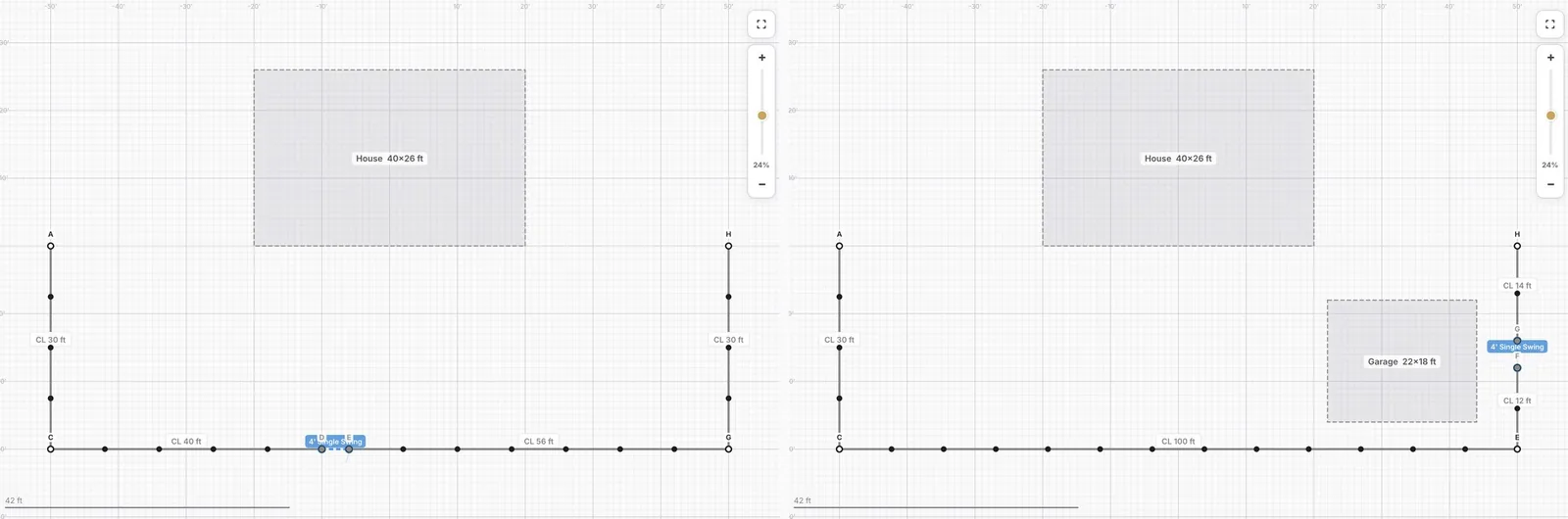 Select a sample layout
Pick a starter house + garage configuration, mark which sides get fence, place gates — then fine-tune.
Pick a template
Select a sample layout
Pick a starter house + garage configuration, mark which sides get fence, place gates — then fine-tune.
Pick a template
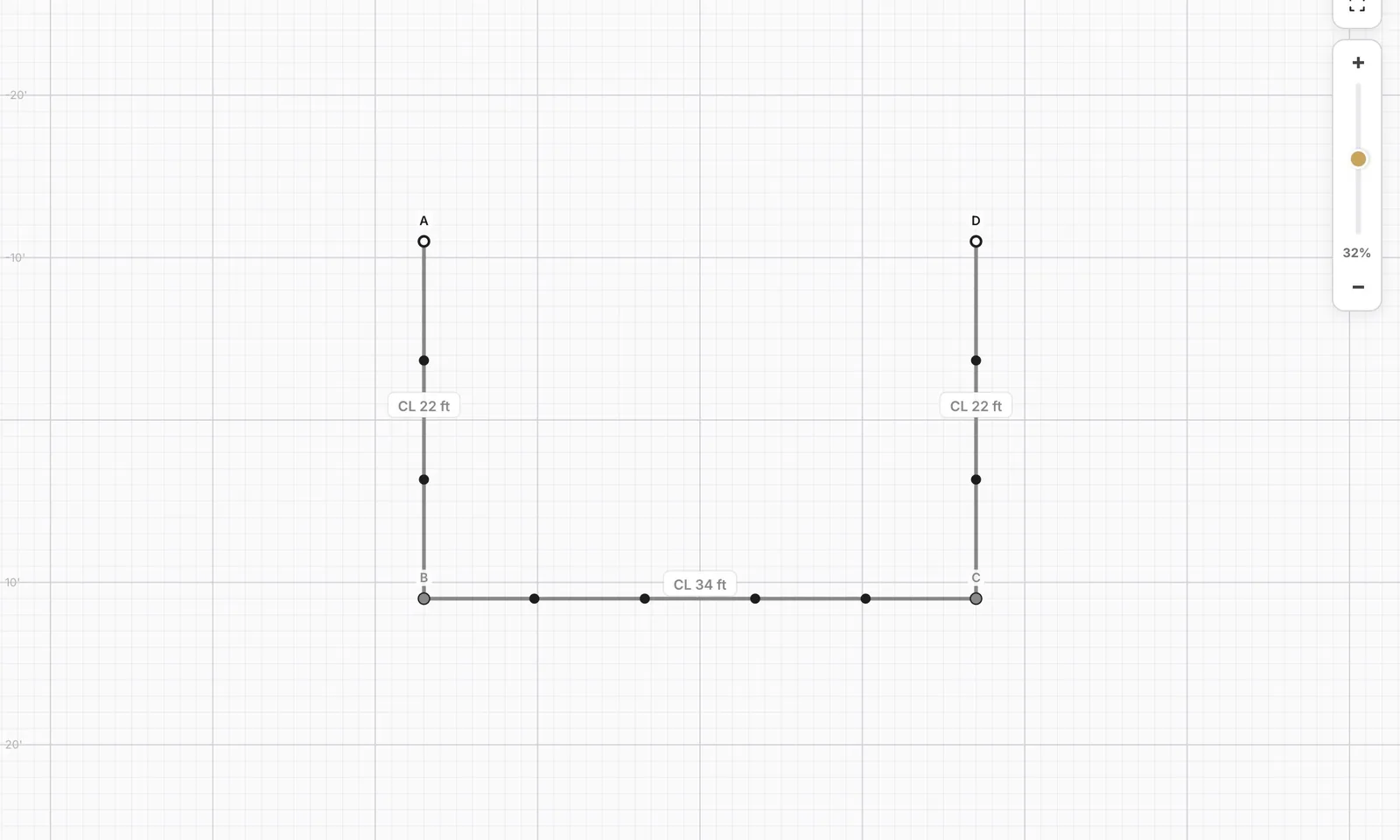 I know my measurements
Skip the intro — jump straight onto the canvas and lay out your fence using the toolbar.
Open the canvas
I know my measurements
Skip the intro — jump straight onto the canvas and lay out your fence using the toolbar.
Open the canvas
Recommended
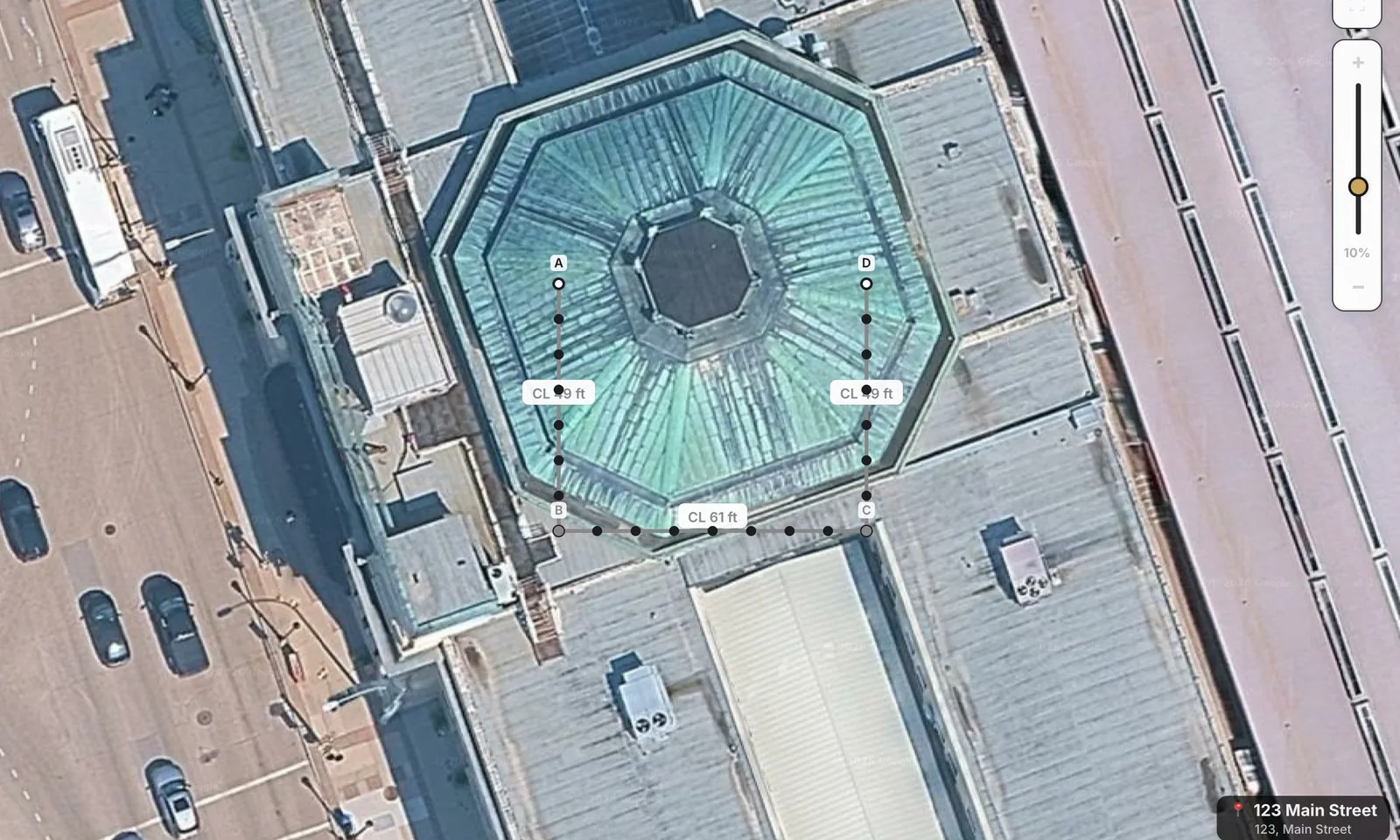 Draw over the map
Drop your address — we'll load a satellite view of your lot so you can trace right on top of it.
Draw over the map
Drop your address — we'll load a satellite view of your lot so you can trace right on top of it.
Draw over the map
Drop your address — we'll load a satellite view of your lot so you can trace right on top of it.
Curious how we price?
Transparent live pricing. As you draw, we calculate every post, rail, panel, gate and accessory line-by-line — using our actual supplier price list plus a fixed install rate per foot. No mystery markups, no "we'll get back to you" — the number you see updates the moment your fence changes, and the same breakdown shows up on your Square quote.